
SSPS Remote All Your Remotes. One App.
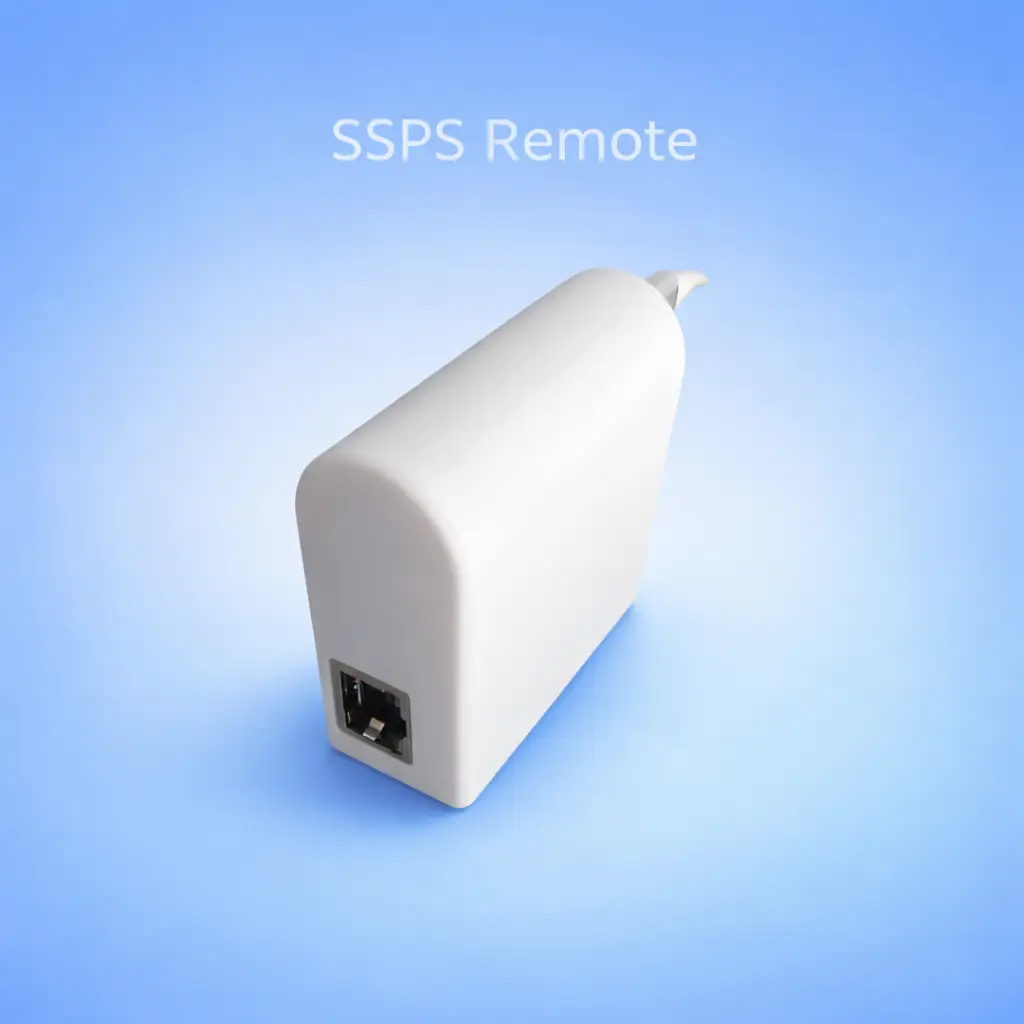
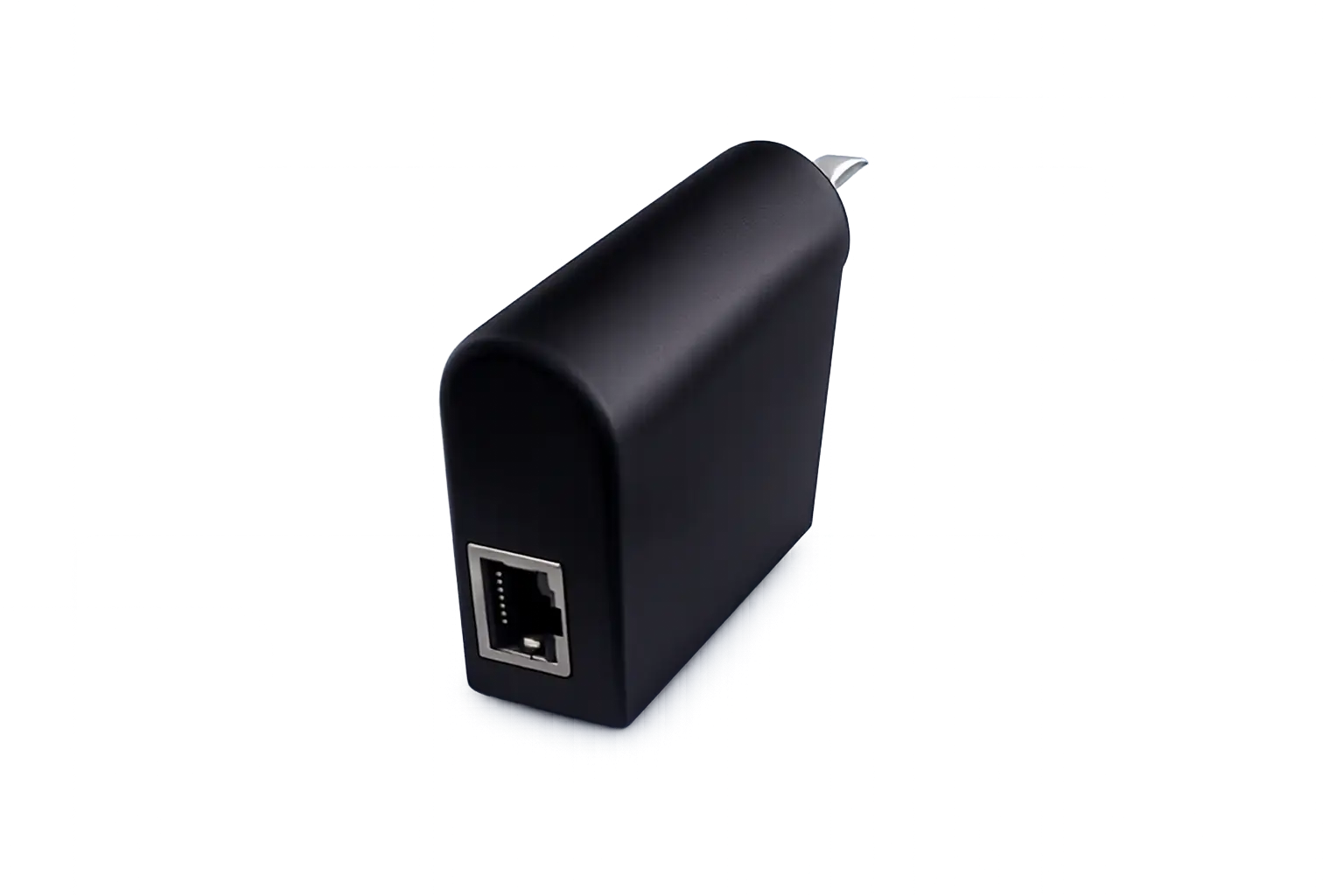
SSPS Remote is a tiny hub that plugs into any wall socket and turns every gate, garage door, barrier and blind into a tap on your phone — using the remotes you already own. No wiring. No technician. No subscriptions.
✦ Save 20% · One-time payment · Free EU shipping · 30-day returns
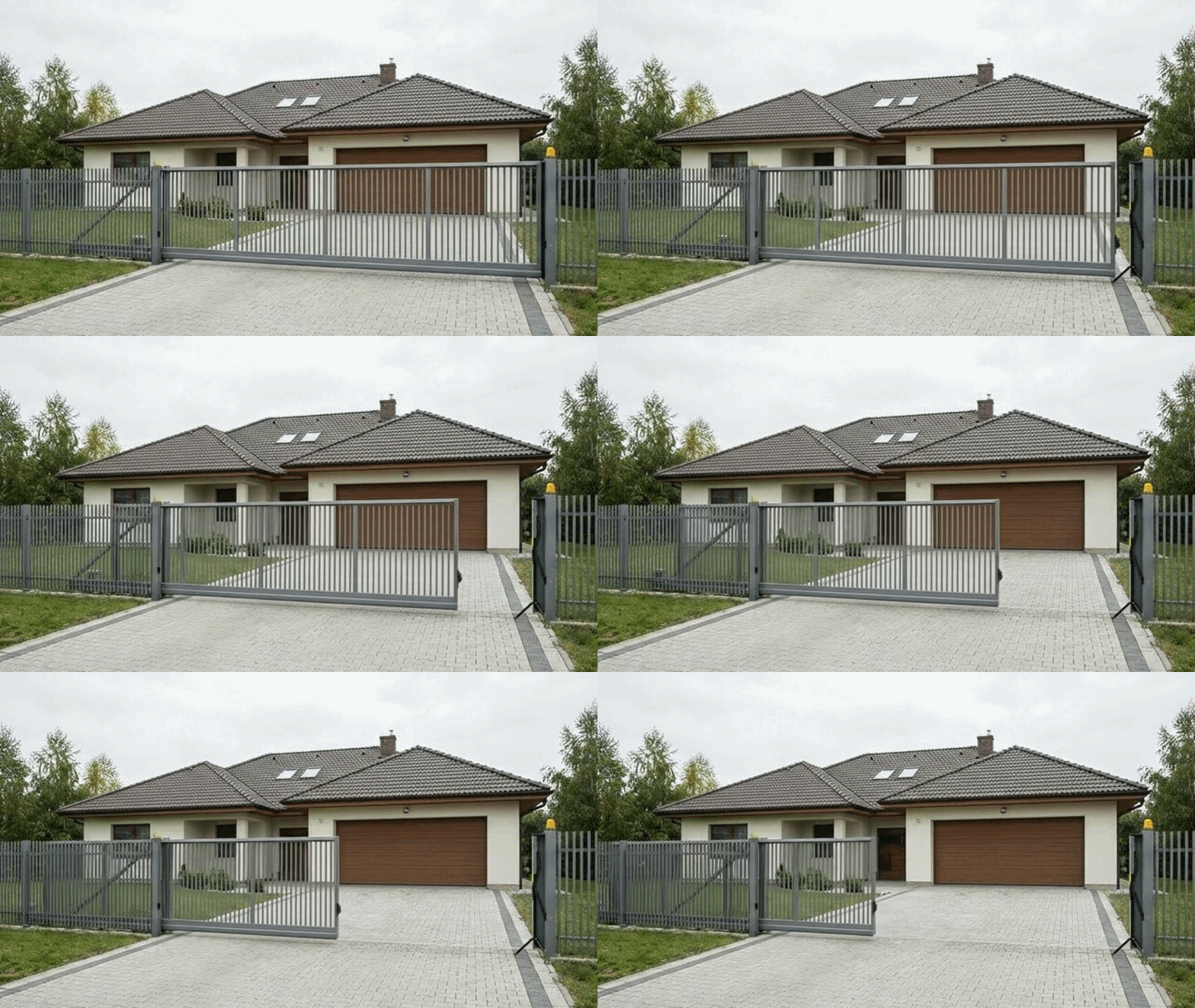
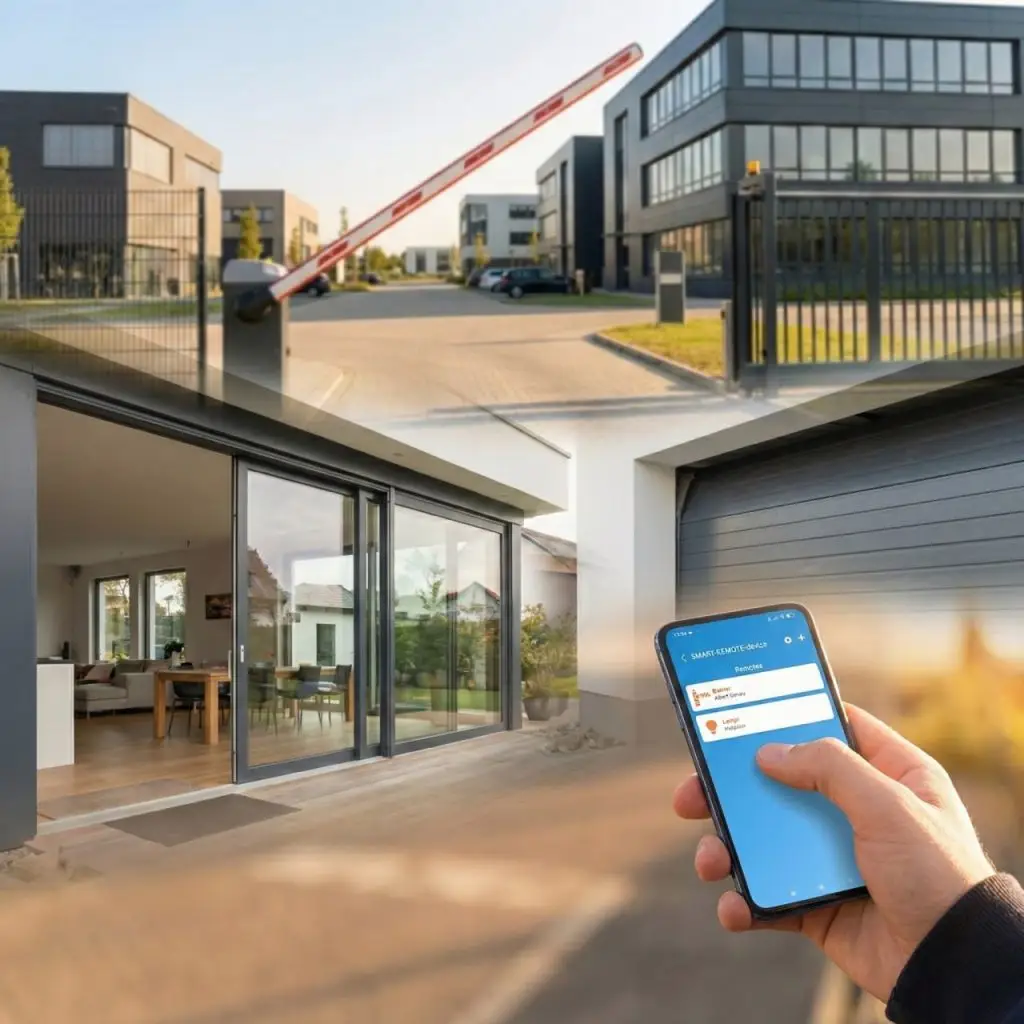
Opening the driveway gate…
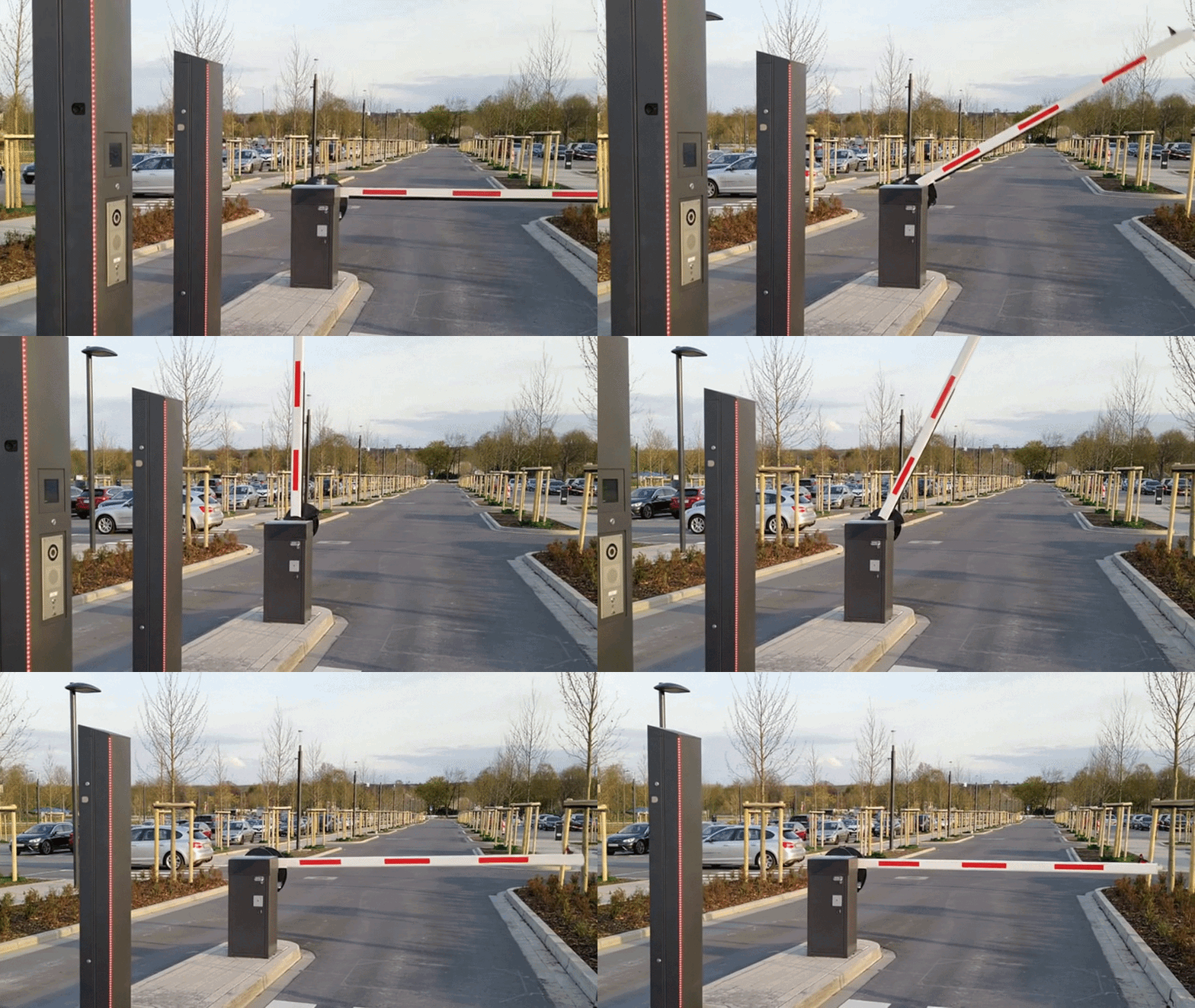
Raising the parking barrier…
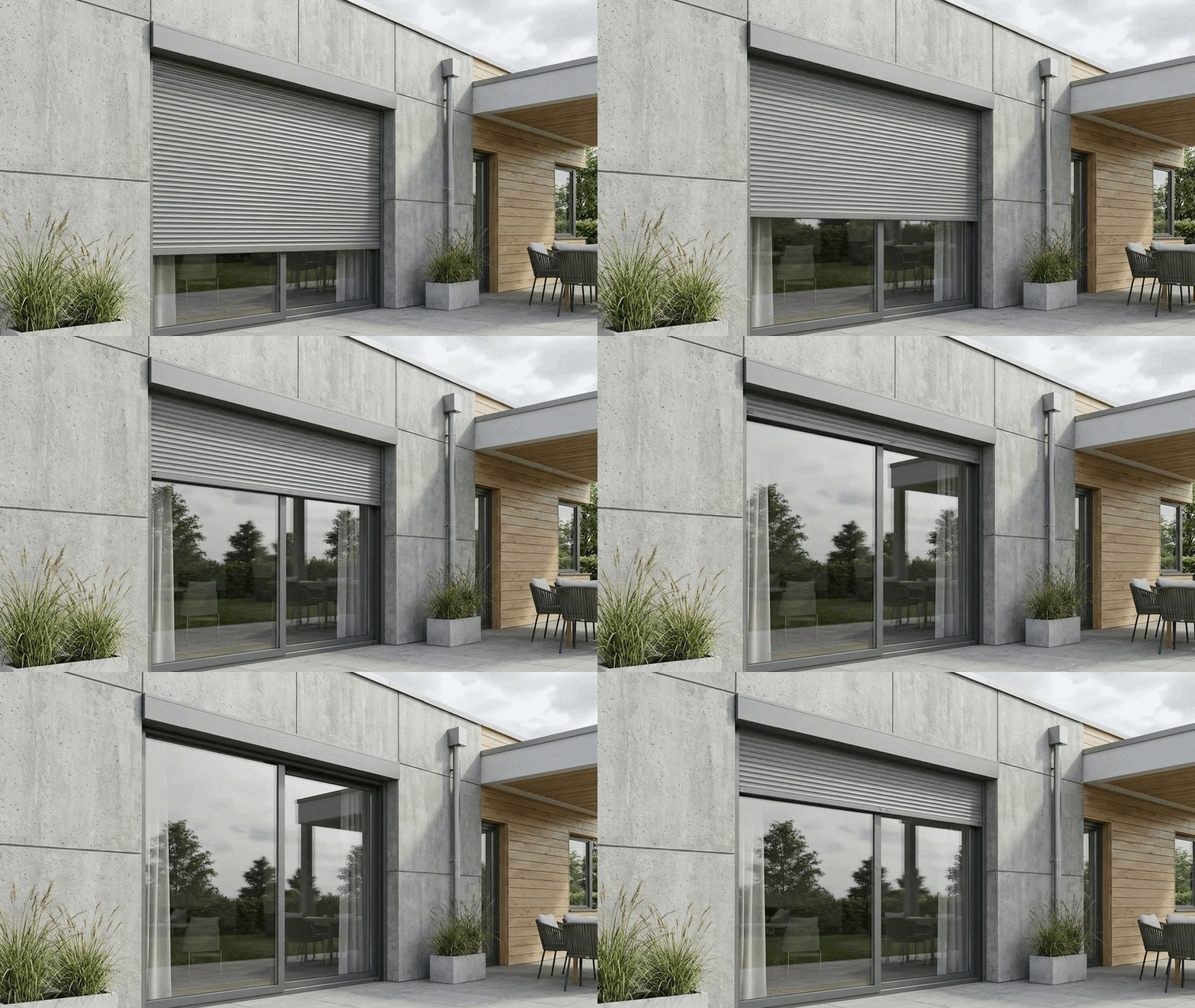
Rolling up the blinds…
↑ Real product · Real devices · One tap from your phone
 1× SSPS Remote hub
 Free SSPS Remote app (iOS · Android · Web)
 CarPlay & Android Auto
 Compatible with 10,000+ devices
 No subscriptions — ever
 Free EU shipping
Discover the future of centralized building control
Enable seamless control of sliding windows, physical access points, and remotely operated systems with SSPS Remote. Manage commercial spaces, homes, offices, and facilities from a single application – across devices, anywhere.

Centralized Control
Manage all your devices from a single dashboard

Works Everywhere
Control from any location with internet access

Multi-device Support
Use on phone, tablet, or desktop seamlessly

One App – All Access
Single login for all your connected devices
Still Using Multiple Remote Controls?
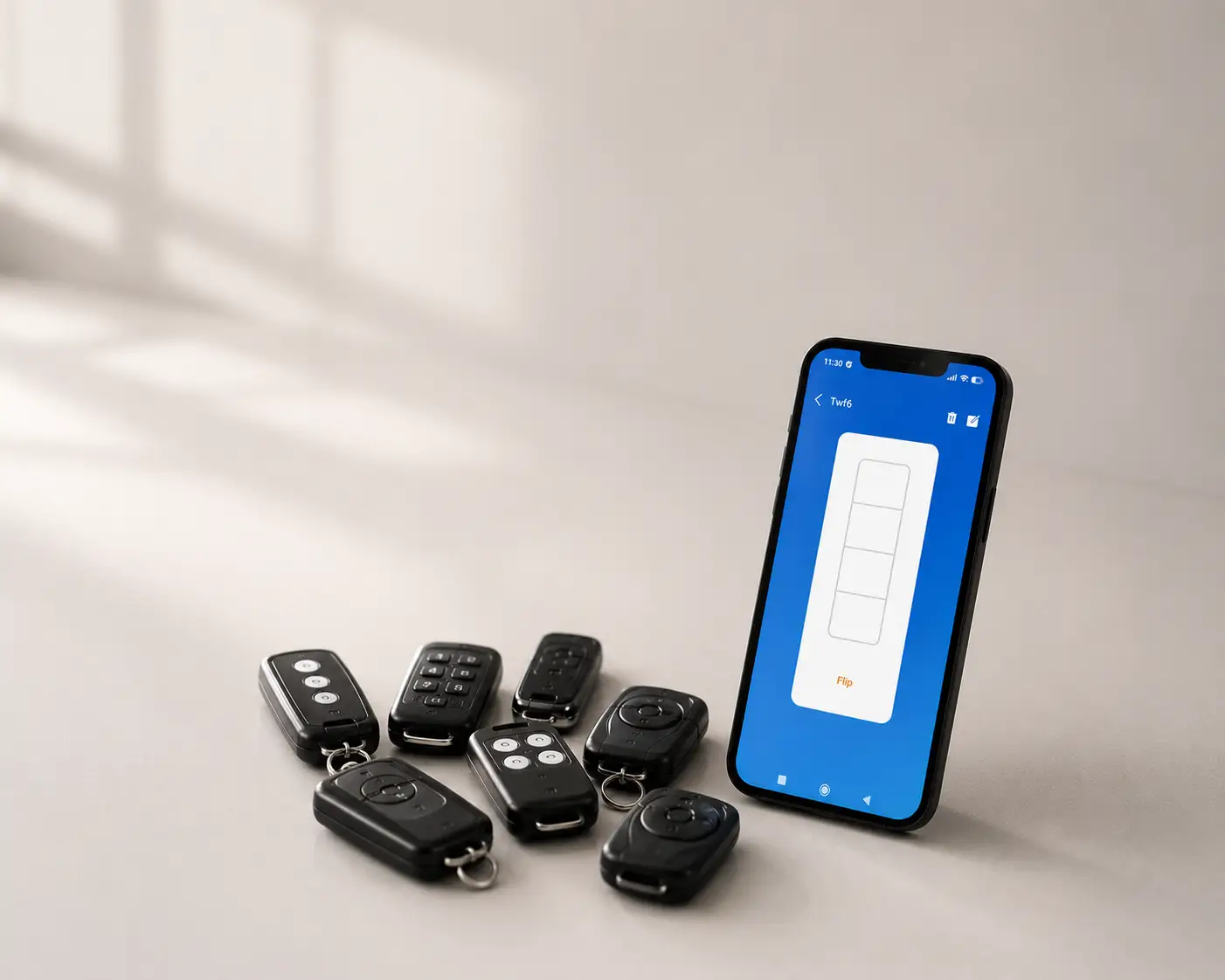
Garage doors, barriers, blinds, and windows all require separate remotes. SSPS Remote brings everything into one secure mobile app.
✕Without SSPS Remote
- Multiple remote controls for different devices
- Limited control range
- Physical remotes get lost or damaged
- No mobile or web access
- No centralized access management
- Difficult access sharing between users
- No real-time device monitoring
✓With SSPS Remote
- One app for all connected devices
- Control from anywhere in the world
- Secure digital access sharing
- Real-time device status monitoring
- Works on mobile, tablet, and desktop
- Apple CarPlay & Android Auto support
- Centralized smart dashboard
What Is SSPS Remote?
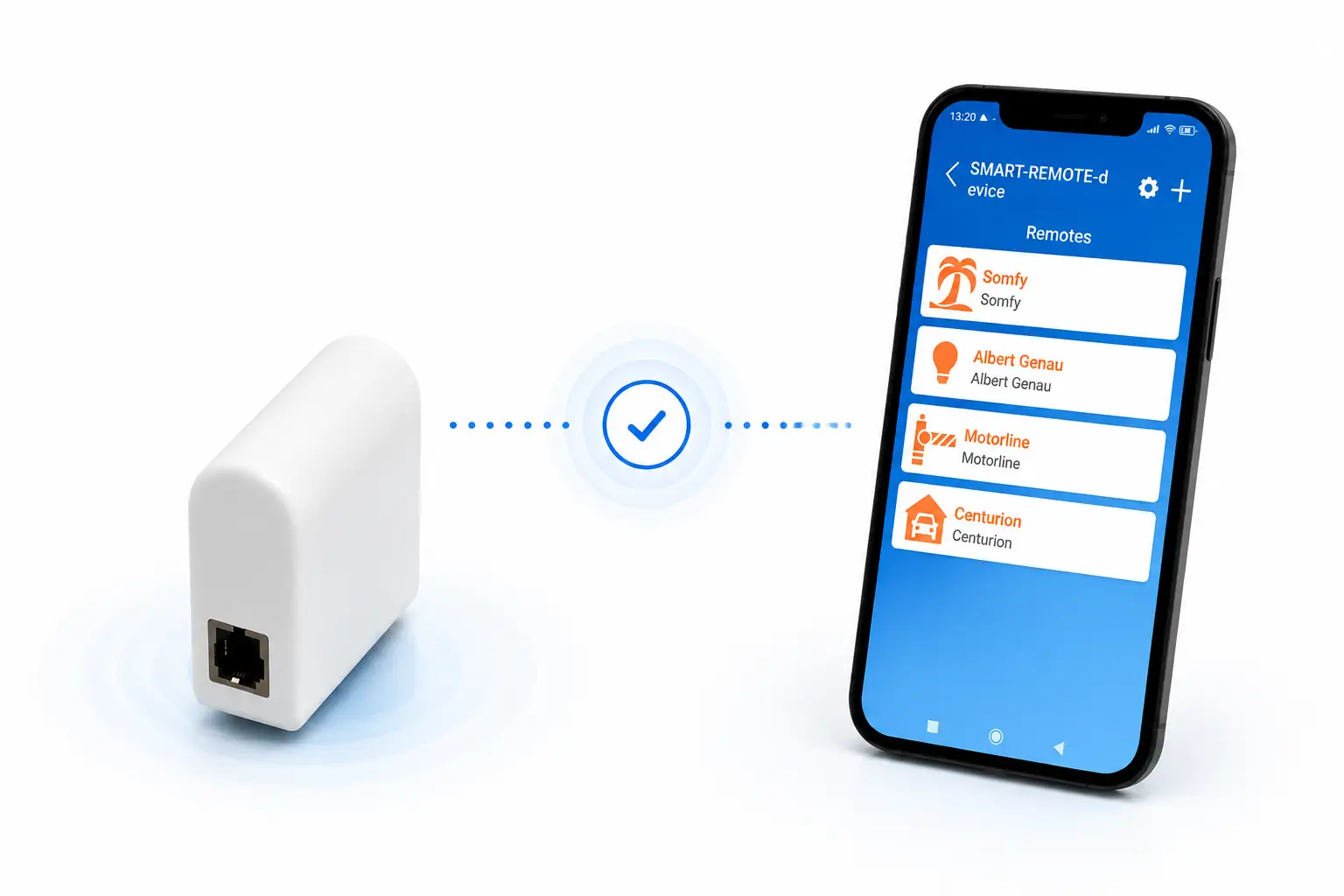
SSPS Remote is a compact hardware module controlled through the SSPS Remote App, compatible with Android, iOS, and web. It enables centralized control of automation systems that rely on remote controls, including garage doors, barriers, blinds, windows, and more, operating on 433 MHz frequency.

Compact Hardware Module
Small, modern-designed device built to replace traditional remote controllers

Mobile & Web App Control
Controlled via the SSPS Remote App on Android, iOS, and web
433 MHz Automation Support
Works with automation systems operating on 433 MHz frequency

One Interface for All Devices
Replaces physical remotes by bringing all device controls into one mobile interface
 CarPlay Ready
Why Choose SSPS Remote
Designed to simplify your everyday life with powerful features that make remote control across multiple devices and places effortless.


Built for homes, offices and facilities.
Whether you manage one garage door or twenty access points across multiple buildings — SSPS Remote scales to your needs without additional cost.
Residential
- Garage doors & roller shutters
- Sliding & swing driveway gates
- Apartment complex entrances
- Private house & villa access
- Roller blinds & windows
- Residential parking barriers
- Intercom-integrated gate systems
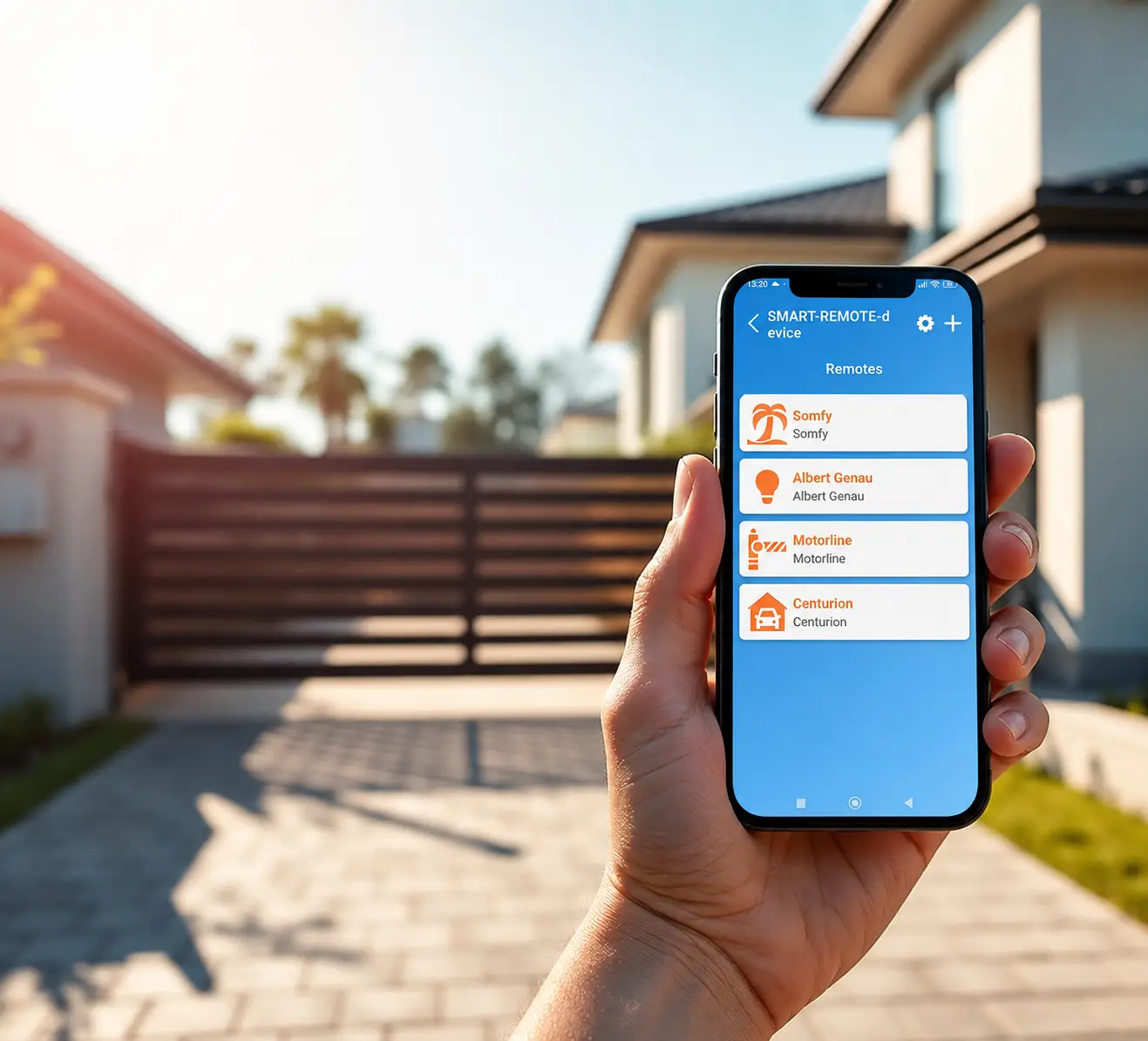
NICE Smilo, NICE MHouse, Came Space, FAAC RC/XT, Beninca, Normstahl, Kingates, DoorHan, Centurion, EcoStar, Sommer, Novoferm, Comunello, Magic series, Genie/Genius + 10,000 more
Commercial
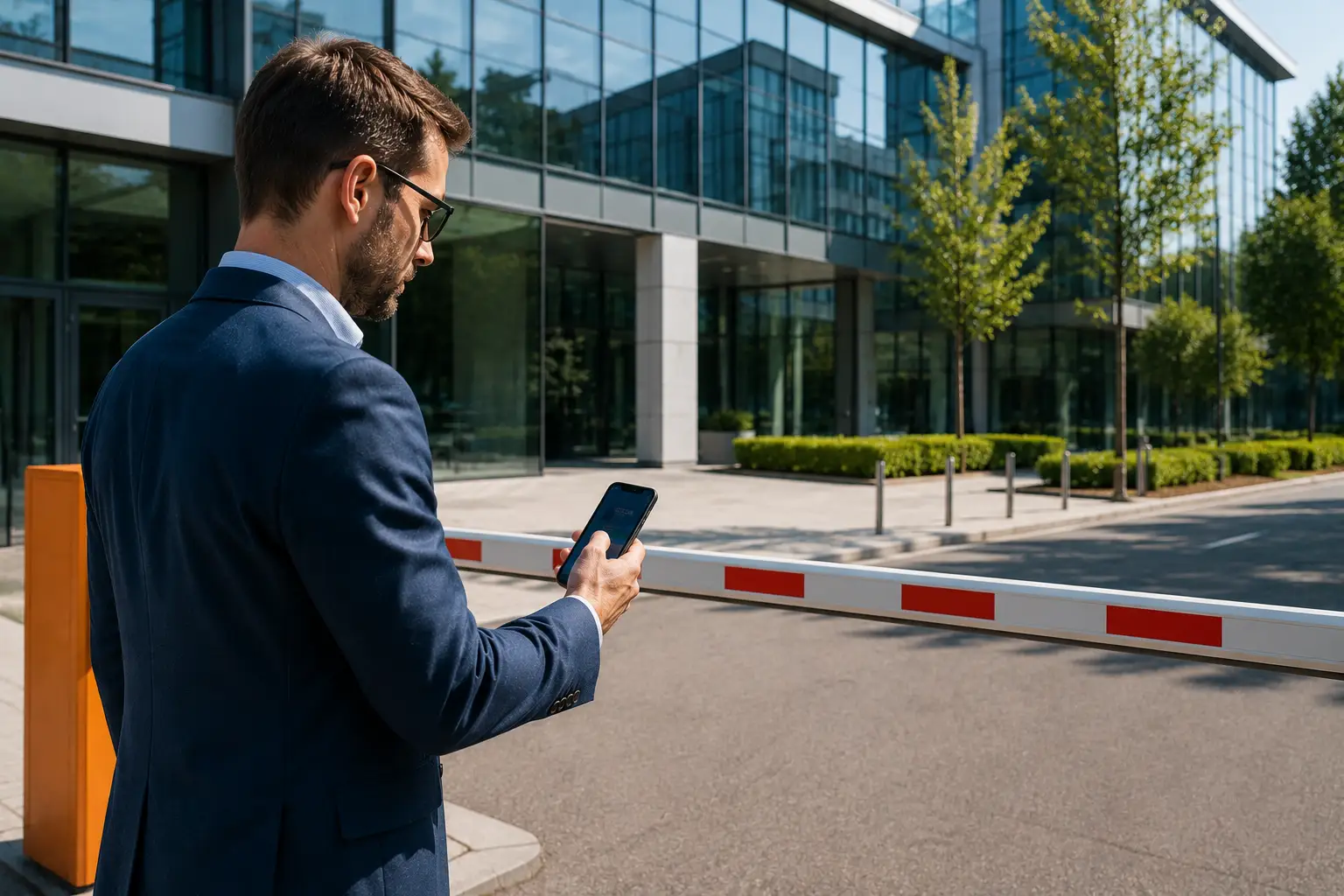
- Office buildings & business parks
- Corporate parking barriers
- Commercial garage & industrial doors
- Boom barriers & security gates
- Multi-entrance access systems
- Hotels, retail & hospitality
- Smart enterprise access control
FAAC, Came, DoorHan, Genius, JCM Tech, Centurion, Monarch, IronLogic, GuardRF, Aprimatic, Mutancode + 10,000 more
Facilities & Industrial
- Industrial warehouse access
- Factory entrance automation
- Heavy-duty sliding gates
- Logistics & loading dock systems
- Employee RFID access control
- Large-scale parking management
- Remote facility security systems
FAAC Industrial, Roger Technology, BFT, LiftMaster, DEA System, Nice Industrial, Hörmann, Somfy, Hikvision Access, Suprema + 10,000 more

Get Started in 5 Steps
Setting up SSPS Remote takes just a few minutes.

Get Your SSPS Remote
Order your SSPS Remote device and receive it at your doorstep.

Download the App
Get the SSPS Remote app from the App Store or Google Play.
Connect to Hub
Follow the simple pairing process to connect your device.

Add Devices
Register your existing remotes and devices in the app.

Start Controlling
Enjoy seamless control of all your devices from one place.
Order your SSPS Remote
One smart hub per building. One-time payment. The app is free, forever.
SSPS Remote Hub
Replace every remote in your home, office or facility with one device + one free app. Works worldwide via internet — Bluetooth fallback when offline.
Download the SSPS Remote App FREE
The app is completely free and works together with the SSPS Remote Hub.
- Main device list — every remote in one place
- Connection & pairing in seconds
- One-tap control screen for every device
- User sharing & access management
- Offline mode — Bluetooth when no internet


Need the hardware first?
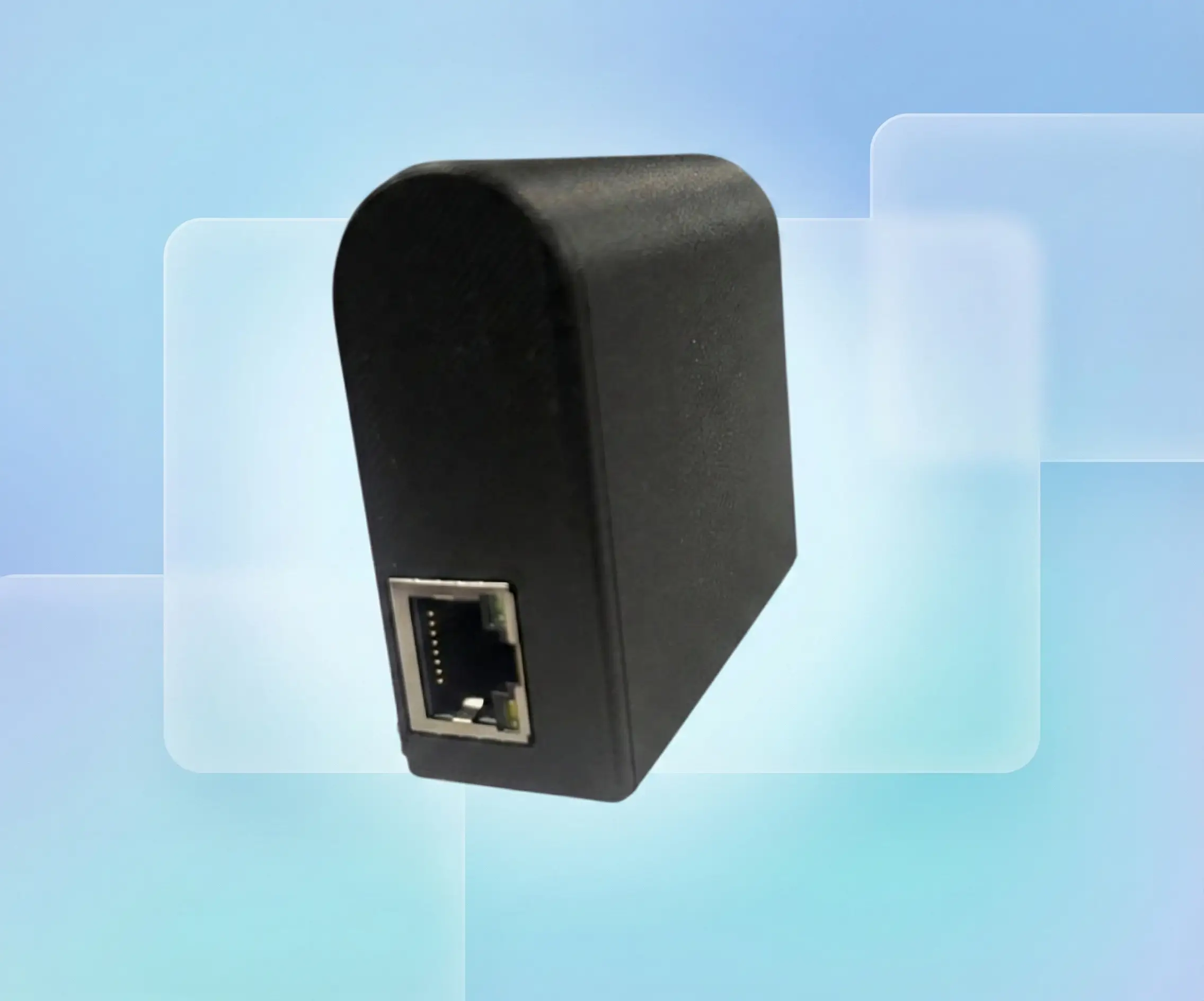
The SSPS Remote Hub connects your existing remotes and devices to the app.
Buy SSPS Remote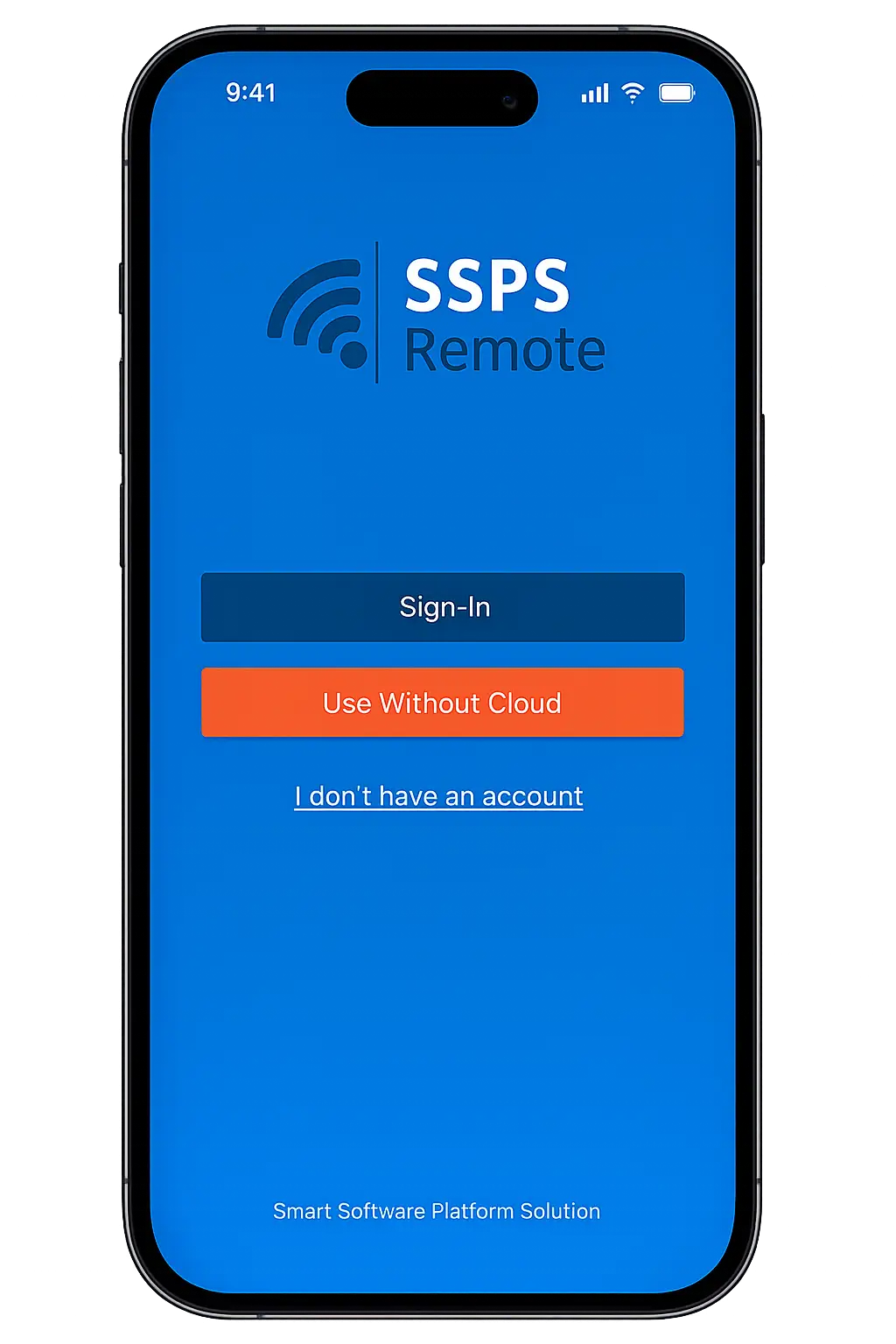
Garage Door
Connecting to hub…
Parking Barrier
Added successfully
Main Gate
Ready to control
Follow the In-App Video Guides
Connect to Hub
Watch how to power and connect your SSPS Hub in seconds.
Add Devices
Learn how to add gates, garage doors, barriers and remotes.
Contact us
Have questions about SSPS Remote? Need help with your order or looking for a business partnership? We're here to help.


Send us a Message
Everything you need to know
Will SSPS Remote work with my existing gate or garage system?
Do I need to replace my current remotes or automation setup?
Can I control my devices when I’m away from home or office?
How many devices can I connect?
Is there a monthly subscription fee?
Can I share access with family members or employees?
Is my access and data secure?
Ready to Simplify Your Smart Control?
 Free Shipping EU
30-Day Returns
1 Year Warranty
Free Shipping EU
30-Day Returns
1 Year Warranty